
 Cursor
 Claude Code
 Codex
Codex Devin
Devin Copilot
 Windsurf
Build your team library
The library your coding agents share.Save it once. Reuse in every project.
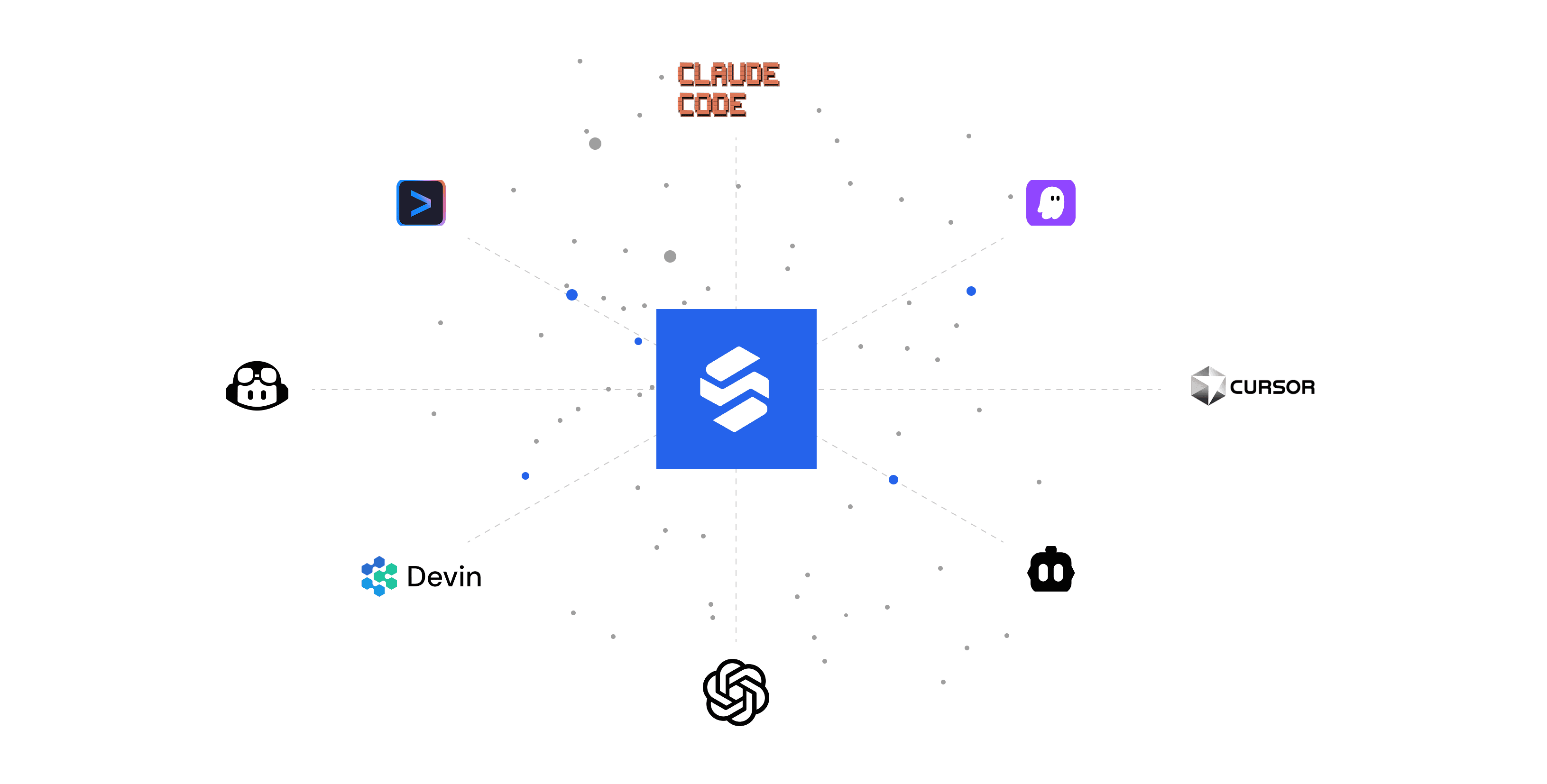
Works with the coding agents you already use
- Cursor
- Claude Code
- Codex
- Devin
- Copilot
- Windsurf
Sirro lets AI coding agents fetch existing assets instead of generating them from scratch, cutting the tokens and cost of every build.
Bring your library to CursorCursor, Claude Code, Codex, Devin, Copilot, Windsurf

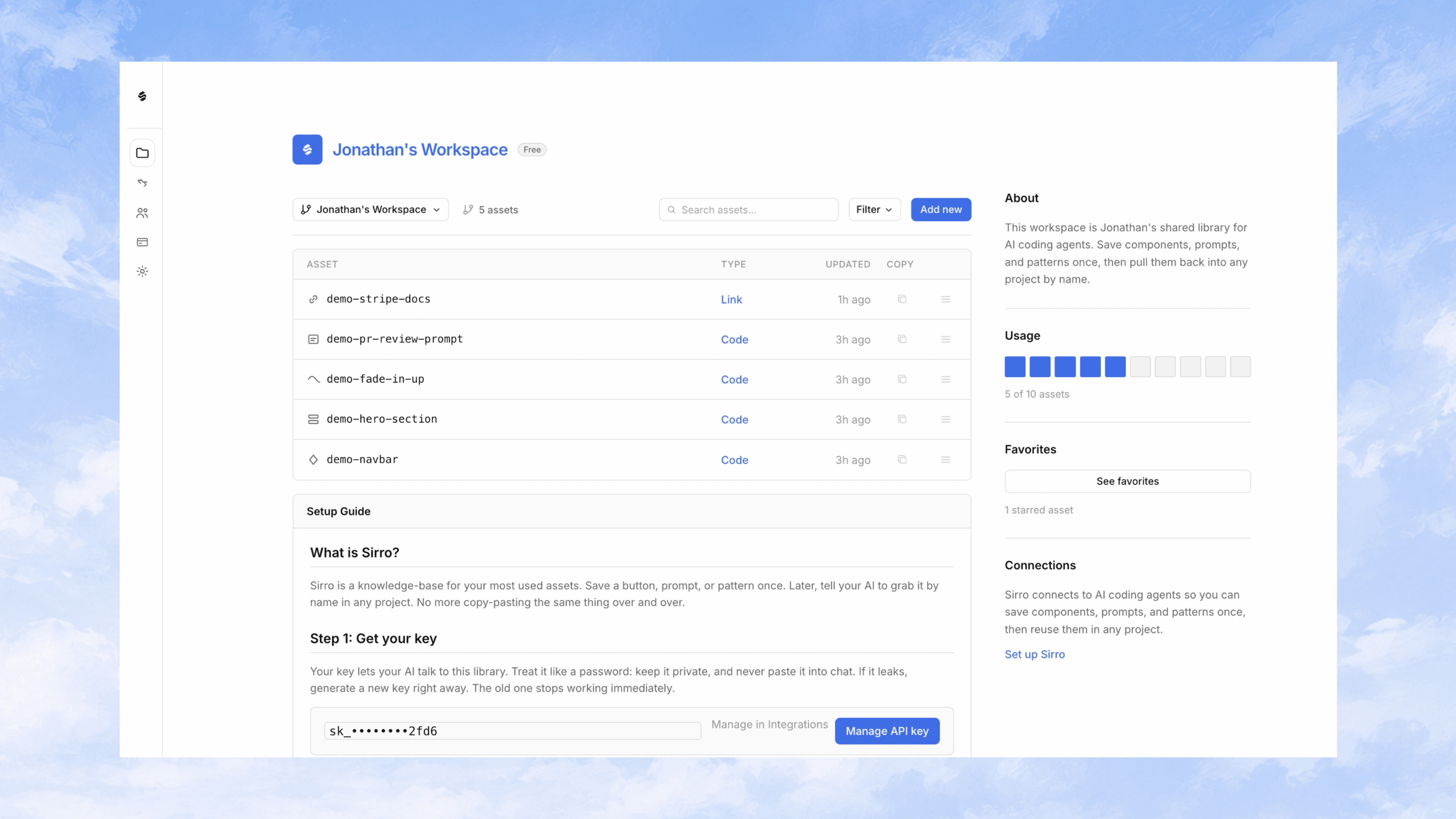
Save your best work
Capture what already works. Save a navbar, transition, or agent prompt once from Cursor or Claude Code. Sirro stores it where your team can find it.
Share patterns instantly
Fetch by name, not by memory. Teammates and agents pull the same asset into any project with a simple name. No copy-paste archaeology.
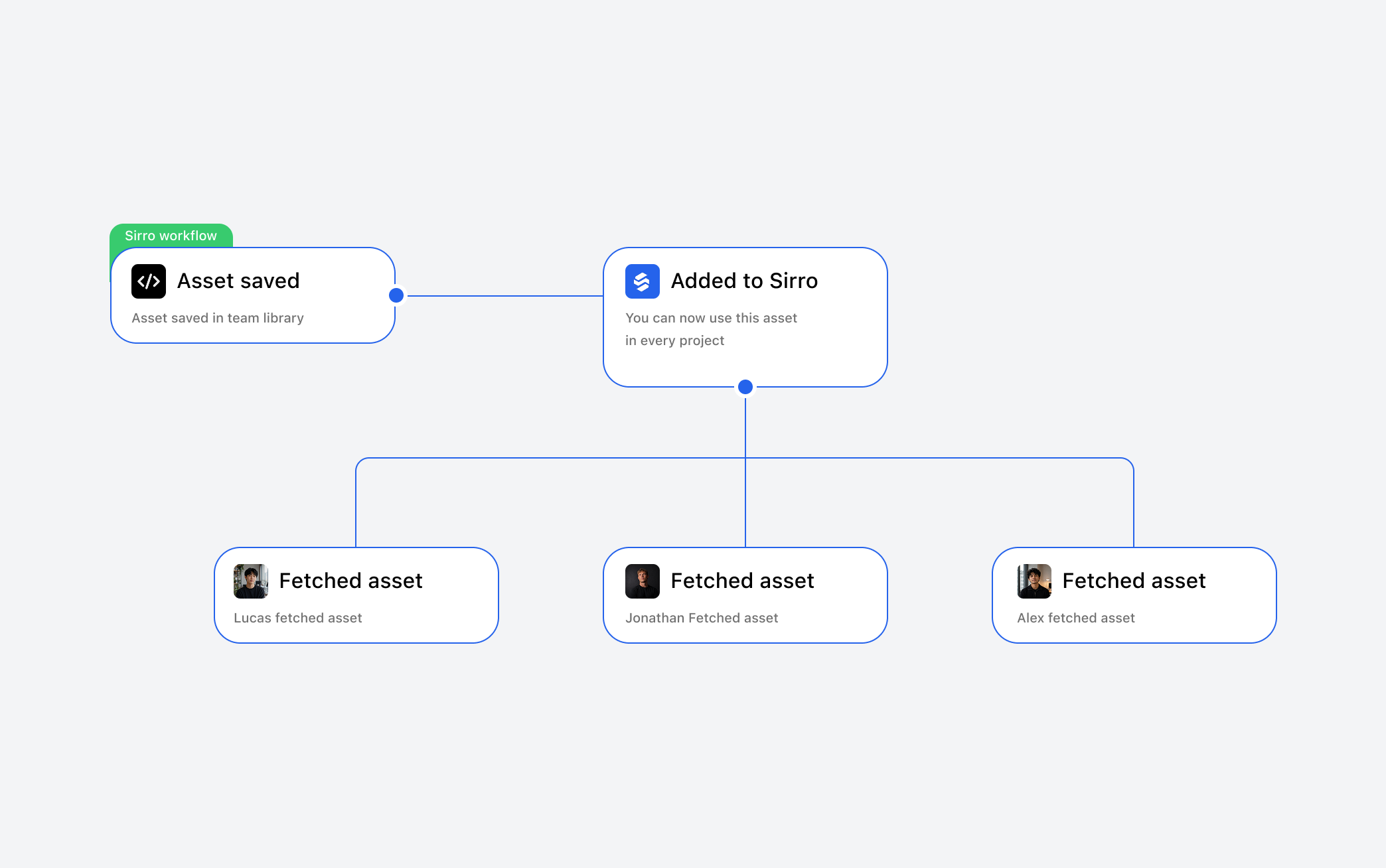
Keep everyone consistent
Ship the same patterns everywhere. Design tokens, UI blocks, and implementation details stay aligned when everyone reads from the same library.
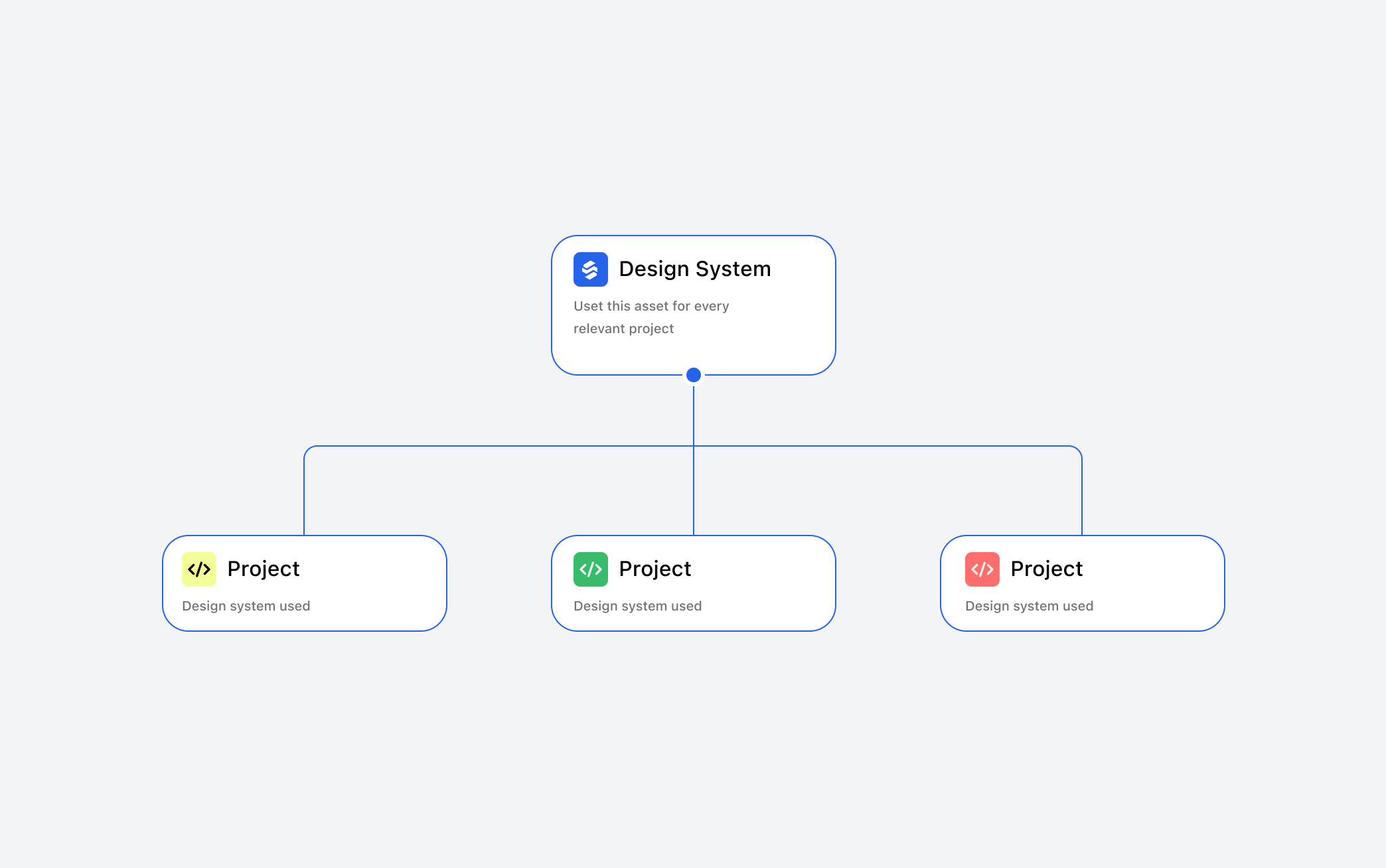
Reuse across every project
Reuse across every project. From marketing sites to internal tools, saved assets follow your team through Sirro into whatever stack you use next.

FAQ
Discover what teams ask about building with Sirro.
What is Sirro?
Sirro is a shared asset library for AI coding teams. Save assets once and reuse them across every project.
How does Sirro work?
Connect Sirro to your AI coding tool through MCP. Your agent can then save assets to Sirro and fetch them by name whenever you need them.
Which AI coding tools does Sirro support?
Sirro works with MCP-compatible coding tools, including Cursor, Claude Code, Codex, and other clients that support MCP.
What can I save in Sirro?
Assets. Named work your team already trusts, available in every project.
Can I use Sirro across multiple projects?
Yes. Sirro lives outside individual projects, so assets saved from one project can be reused in another.
What is Sirro?
Sirro is a shared asset library for AI coding teams. Save assets once and reuse them across every project.
How does Sirro work?
Connect Sirro to your AI coding tool through MCP. Your agent can then save assets to Sirro and fetch them by name whenever you need them.
Which AI coding tools does Sirro support?
Sirro works with MCP-compatible coding tools, including Cursor, Claude Code, Codex, and other clients that support MCP.
Why use Sirro instead of keeping assets in a repository?
Repositories are tied to individual projects. Sirro gives reusable work a home outside any single repo, making it available wherever your team builds.
Can I use Sirro with multiple AI coding tools?
Yes. That's one of the core ideas: save an asset once in Sirro and make it available to your supported AI coding tools instead of rebuilding separate libraries for each one.
What can I save in Sirro?
Assets. Named work your team already trusts, available in every project.
How does Sirro work with Cursor?
Connect the MCP server to Cursor. You can then ask Cursor to save assets to Sirro or use an existing asset from your library.
Does Sirro work with Claude Code?
Yes. Once Sirro is connected through MCP, Claude Code can access the same Sirro library as your other supported coding tools.
Does Sirro work with Codex?
Yes, provided your Codex setup supports the required MCP connection. The same Sirro library can be used across supported agents.
What is the MCP server?
It is the connection between Sirro and your AI coding tools. It gives agents tools for reading from and writing to your Sirro library.
Can I use Sirro across multiple projects?
Yes. Sirro lives outside individual projects, so assets saved from one project can be reused in another.
Can I use Sirro across multiple repositories?
Yes. Your Sirro library is independent of your repositories, so the same asset can be accessed from multiple repos.
How do I retrieve a saved asset?
Tell your AI coding tool what you want by name, for example, “Use landing-cta-button from Sirro.” The agent can fetch it through Sirro.
Can Sirro save full components?
Yes. You can store reusable UI components and retrieve them when building another page or project.
Can I save prompts and coding patterns?
Yes. Sirro isn't limited to code. Prompts, implementation patterns, conventions, and other reusable knowledge can live in your library.
Can I save links and references?
Yes. Useful documentation, references, resources, and links can be stored alongside your other assets.
Can my team share the same Sirro library?
Yes. Teams can build a shared workspace so everyone and their connected AI coding tools can reuse the same assets.
What happens when an asset is updated?
The asset in your Sirro library can be updated so your team has a shared source to retrieve from instead of maintaining separate copies across projects.
Does Sirro replace GitHub?
No. GitHub manages repositories and source code. Sirro is for the reusable assets and knowledge you want available across those repositories.
Is Sirro only for teams?
No. Individual developers can use Sirro as persistent memory across projects, while teams can use it as a shared library.
What is Sirro?
Sirro is a shared asset library for AI coding teams. Save assets once and reuse them across every project.
How does Sirro work?
Connect Sirro to your AI coding tool through MCP. Your agent can then save assets to Sirro and fetch them by name whenever you need them.
Which AI coding tools does Sirro support?
Sirro works with MCP-compatible coding tools, including Cursor, Claude Code, Codex, and other clients that support MCP.
Why use Sirro instead of keeping assets in a repository?
Repositories are tied to individual projects. Sirro gives reusable work a home outside any single repo, making it available wherever your team builds.
Can I use Sirro with multiple AI coding tools?
Yes. That's one of the core ideas: save an asset once in Sirro and make it available to your supported AI coding tools instead of rebuilding separate libraries for each one.